Import from GoLogin
-
To import profiles from GoLogin, you must have a paid subscription to GoLogin, otherwise API access will not be available.
-
The proxy attached to the profiles must be working
- Open 0DETECT.
- Go to the profiles page.

- Click on «Import profiles» in the upper right corner.
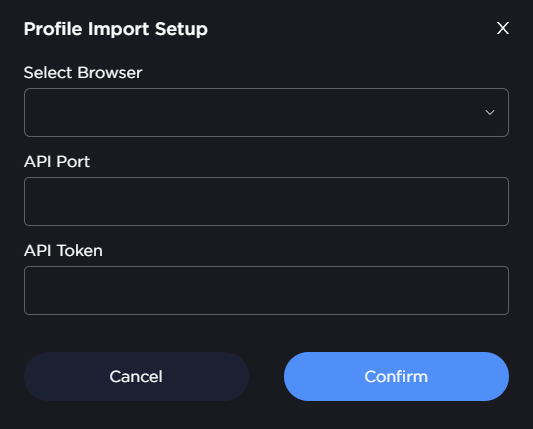
- In the window that opens, select the desired anti-detect browser.
- Log in to your GoLogin account.
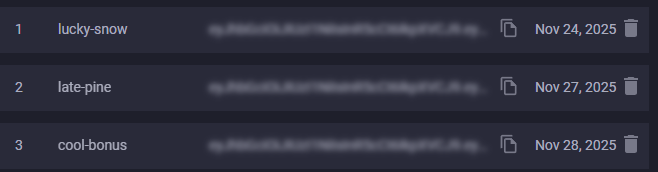
- Click on the «API» icon in the menu
- In the window that opens, copy the API Key and paste it into the corresponding field in 0DETECT
- In 0DETECT, click «Confirm»
- Select the profiles you want to transfer
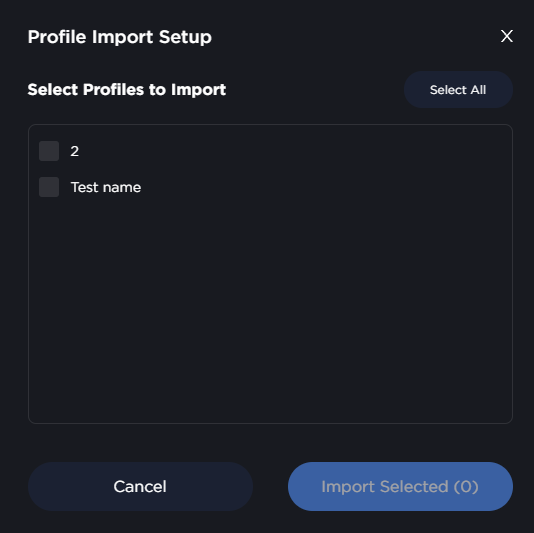
- Confirm your selection
- Wait for the import to finish, do not close either application.