Platform management
Platform Management allows you to pre-fill login and password fields for your required services.
To use this feature:
- Go to the "Profiles" page.
- Click the three dots icon next to the desired profile.
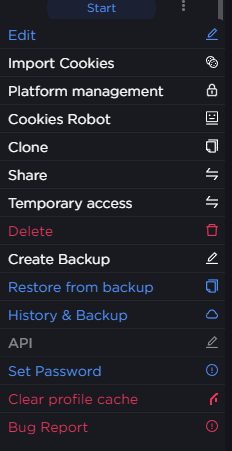
- Select "Platform management" from the list.
- Fill in the corresponding fields.
- Click "Save".

- Launch the profile and navigate to the relevant website.