This feature allows you to duplicate actions across multiple browser windows.
- Select the "Parent" profile from which the actions will be duplicated.
- Click the "three dots" menu.
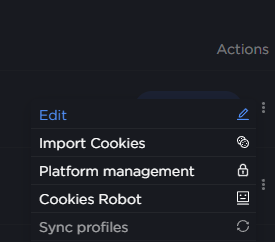
- Select "Sync profiles" from the dropdown menu.
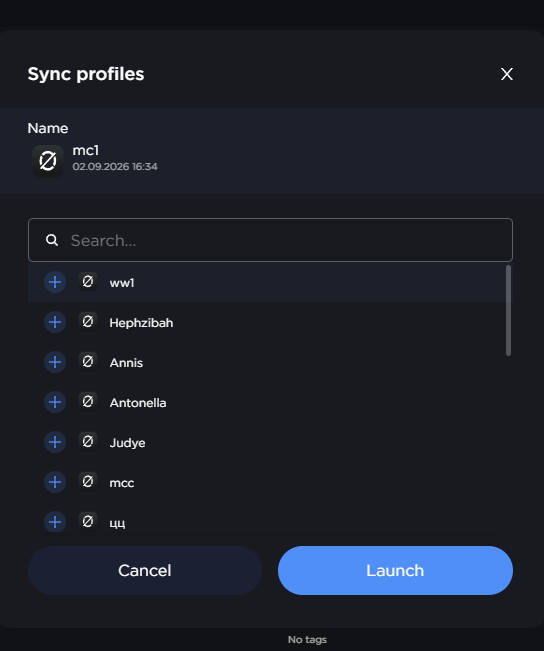
- Select the profile that will be the "Child" profile, where the actions will be duplicated.
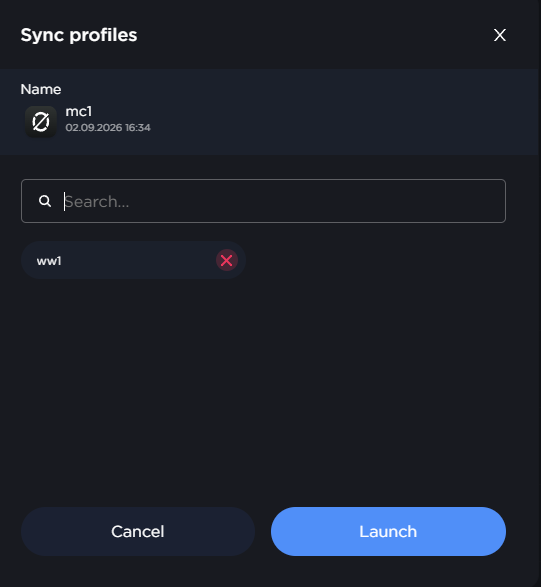
- Click "Launch".
Profiles must have the same window size for the action synchronization feature to work correctly