To launch a mobile device:
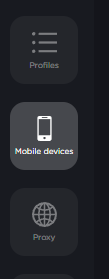
- Go to the "Mobile devices" tab
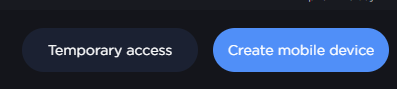
- On the opened page, click "Create mobile device"
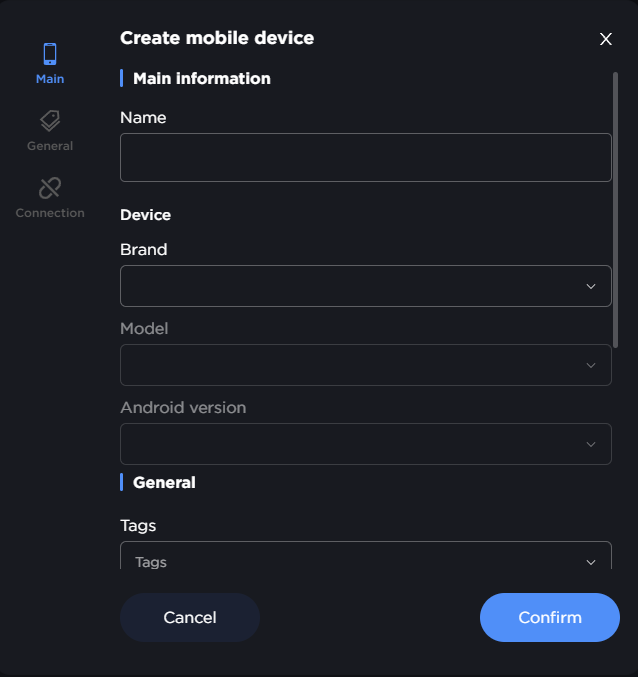
- In the opened window, fill in all required fields
-
Launch profile
-
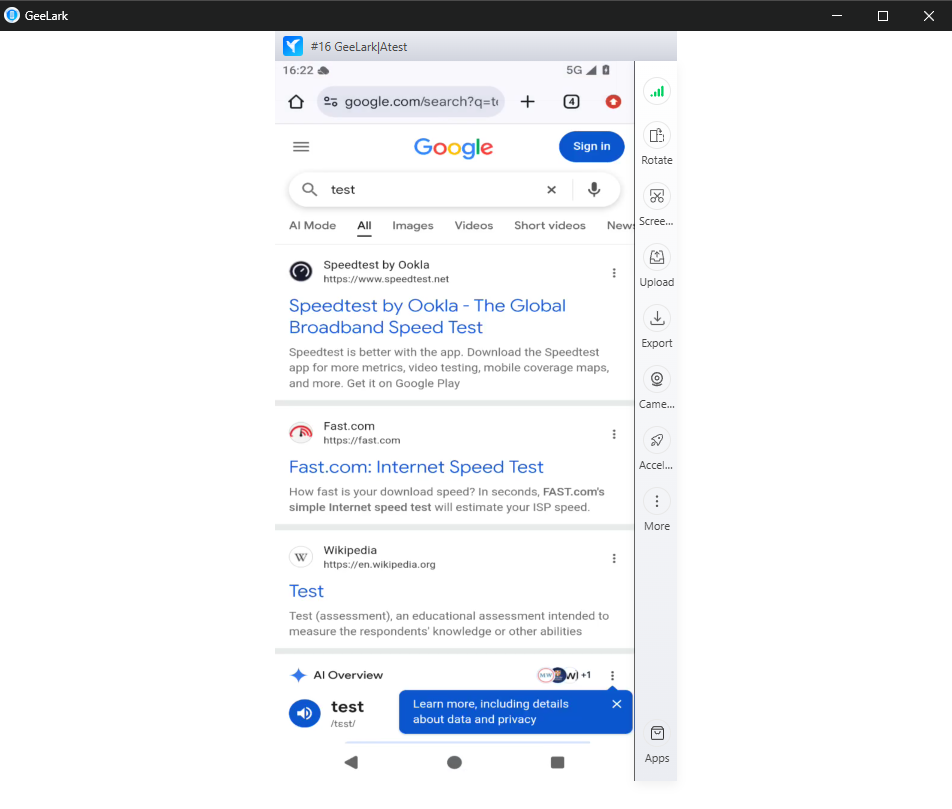
Once the device has loaded, you can use it normally
Charges are applied according to the terms of your plan.